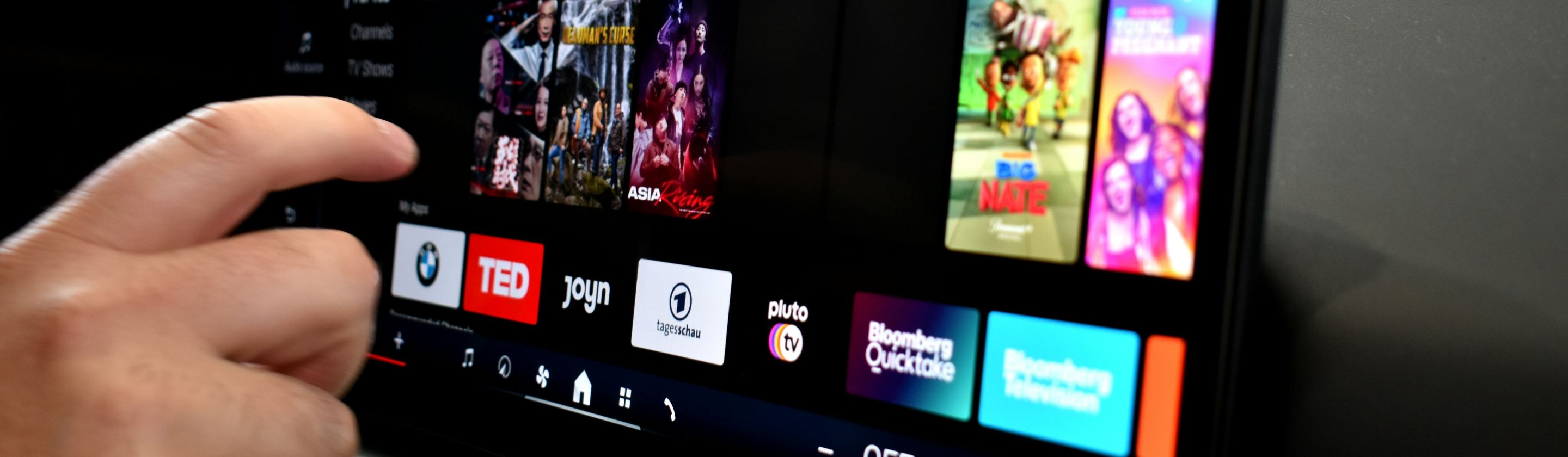
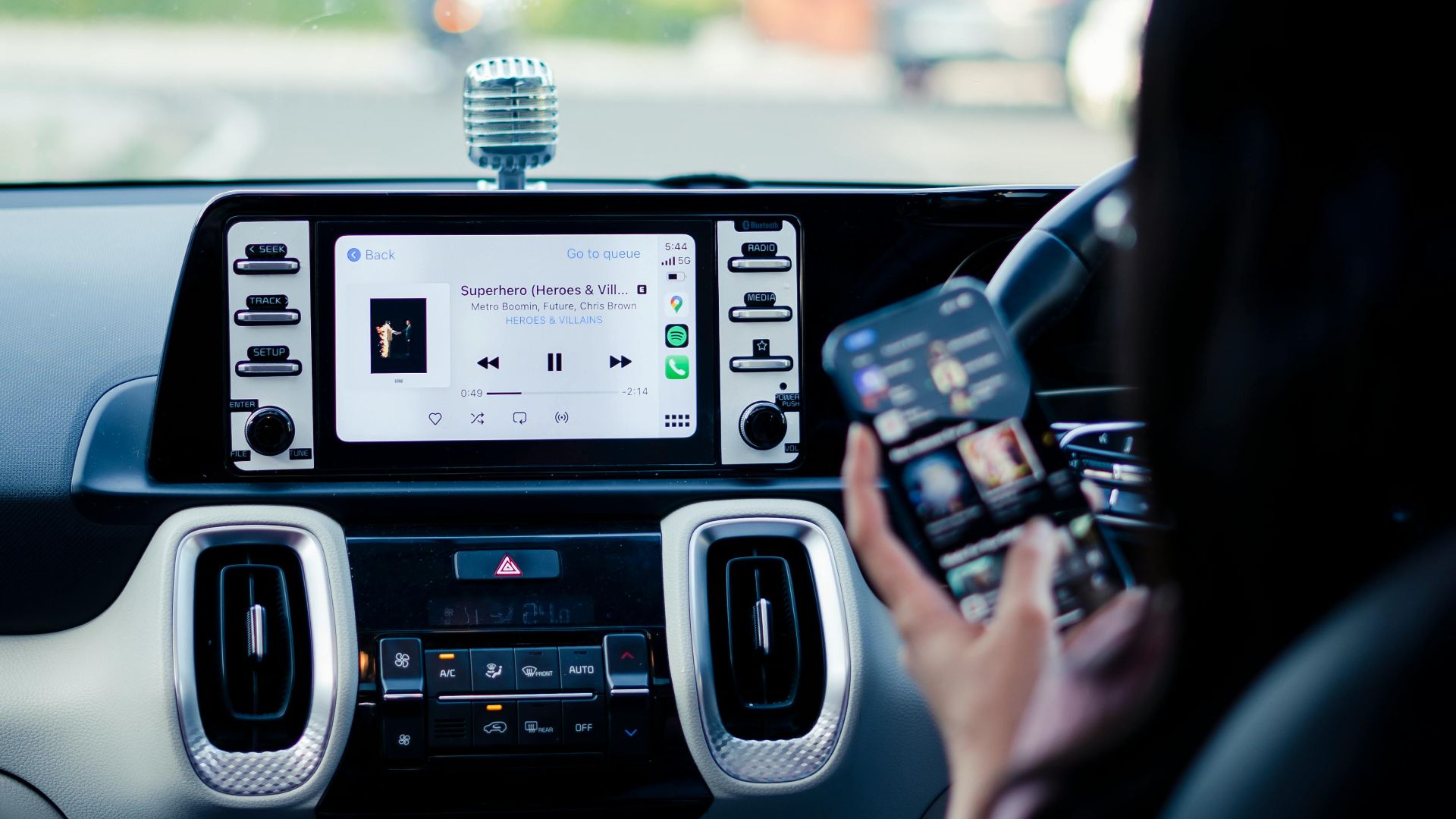
We've spent the last fifteen years watching physical buttons disappear from our devices, our cars, our appliances, and even our elevator panels. Touch screens and software interfaces have been sold to us as the inevitable future, sleeker and more versatile than the chunky mechanical alternatives they replaced. Yet anyone who's tried to adjust their car's temperature while driving, or attempted to pause a movie on a streaming box without looking at the screen, knows we gave up something valuable when we traded tactile feedback for smooth glass surfaces.
The tech industry convinced us that physical buttons were obsolete relics of a less sophisticated age, but our hands never got the memo. Our fingers still reach for edges and raised surfaces. We still want to feel a click when we press something. The frustration we experience with buttonless devices isn't because we're stuck in the past or resistant to change. Physical buttons solve problems that touchscreens create, and no amount of haptic feedback or interface design can fully compensate for what we lost.
The Attention Economy of Interface Design
Physical buttons let us operate devices without looking at them. We can feel our way to the volume controls on old stereo systems, know by touch which button on a microwave corresponds to which time setting, and adjust a car's climate control through muscle memory alone. This matters more than interface designers seem to realize. A 2020 study by the AAA Foundation for Traffic Safety found that programming navigation systems through touchscreens took drivers an average of 40 seconds, during which time a car traveling at 25 mph covers nearly 1,500 feet with significantly reduced attention to the road.
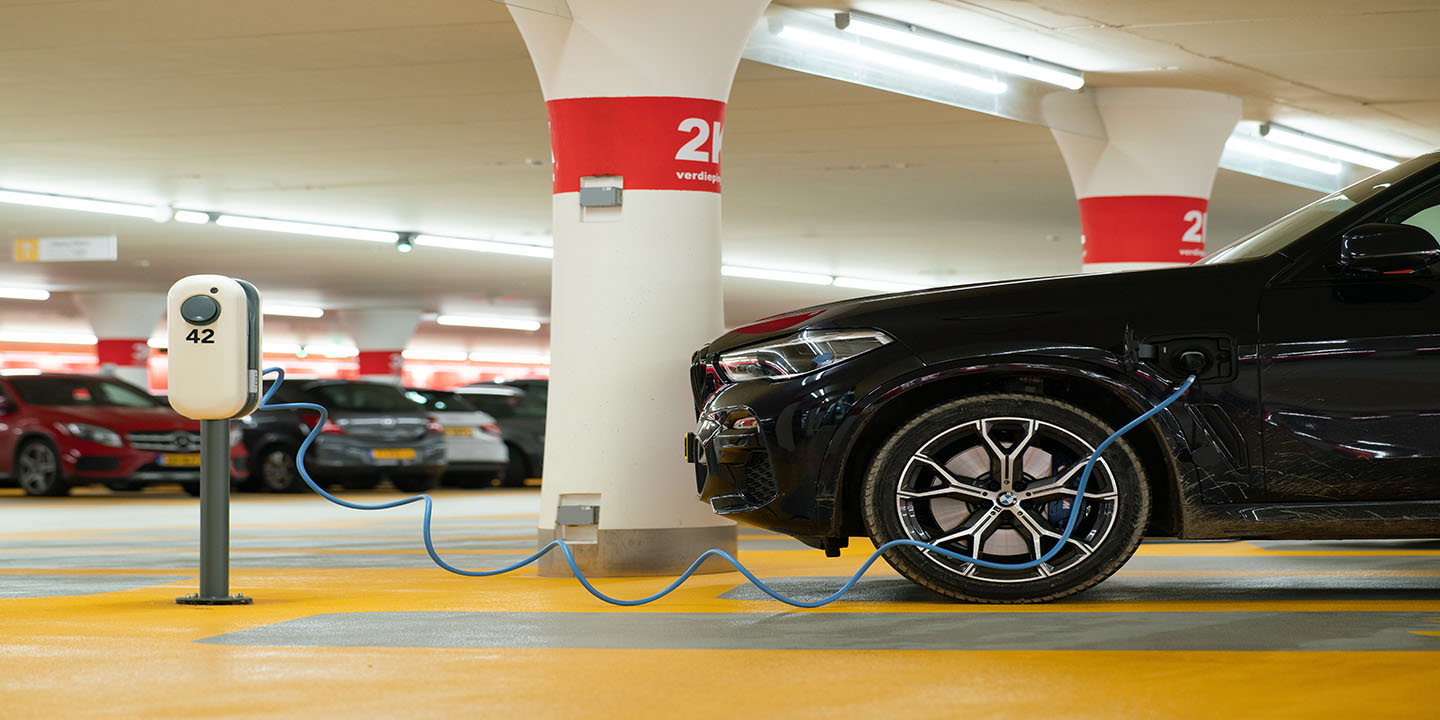
Car manufacturers spent decades perfecting the placement and feel of physical controls, positioning them so drivers could adjust settings while keeping their eyes forward. Then touchscreens arrived, and suddenly adjusting the temperature required navigating through menu systems and tapping icons on a smooth surface that provides no confirmation we've actually hit the right spot. Tesla owners have reported accidentally triggering windshield wipers when reaching for climate controls. The 2023 Volkswagen Golf GTI received widespread criticism for replacing physical climate controls with capacitive touch buttons that require sustained pressure and multiple taps to adjust temperature.
Durability and the Right to Repair
Physical buttons break, certainly, but when they do, they usually break in predictable ways that we can fix or work around. A button might stick or require harder presses, but it generally continues functioning in some capacity. Touchscreens fail catastrophically. A small crack in the wrong place can render an entire device unusable, and repairs often require replacing the entire screen assembly rather than swapping out a single component.
The repair cost difference is substantial. Replacing a broken physical button on a microwave might cost $15 in parts and an hour of time. Replacing a touchscreen control panel on a similar appliance can cost $200 or more, often approaching the price of buying a new unit entirely. This isn't accidental. Kyle Wiens, CEO of iFixit, has pointed out that touchscreen interfaces serve manufacturers' interests by making devices harder to repair and more likely to be replaced entirely when components fail.
We're also creating mountains of electronic waste by replacing devices with failed touchscreens that are otherwise functional. A 2022 report from the United Nations found that global e-waste reached 59.4 million metric tons in 2022, with consumer electronics accounting for a significant portion. Physical buttons might seem old-fashioned, but they're part of a design philosophy where individual components can be serviced rather than entire devices being discarded. The shift to touchscreens isn't just about user experience; it's about planned obsolescence disguised as innovation.
The Feedback Loop We're Missing
Human beings need physical feedback to confirm our actions. When we press a button and feel it click, we receive immediate sensory confirmation that something happened. Our brains process tactile information faster than visual information, which is why we can type on physical keyboards without looking but struggle with on-screen keyboards even after years of practice. The absence of this feedback creates a subtle but persistent uncertainty that makes interfaces feel less responsive than they actually are.
Apple spent considerable engineering resources developing the Taptic Engine to simulate button presses on touchscreens, which should tell us something about how much we miss physical feedback. Yet even sophisticated haptic systems can't fully replicate the sensation of mechanical buttons. A study published in the International Journal of Human-Computer Interaction in 2023 found that users completed tasks significantly faster and with fewer errors using physical buttons compared to touchscreen interfaces with haptic feedback, particularly in conditions requiring divided attention or use without visual confirmation.
The feedback problem compounds in accessibility contexts. Physical buttons provide crucial navigation aids for people with visual impairments, who rely on tactile exploration to understand interface layouts. Touchscreens with voiceover features can approximate this functionality, but they require users to slide their fingers across glass searching for virtual boundaries rather than feeling for actual raised surfaces.
We keep being told that software interfaces are more flexible and feature-rich than physical buttons, and that's true in a narrow technical sense. A touchscreen can display unlimited button configurations and adapt to different contexts. What this misses is that we don't always want unlimited options. The best interface isn't the one with the most features; it's the one that gets out of our way and lets us accomplish what we need without demanding our full attention. Physical buttons understood this. Touchscreens still haven't figured it out.